
Changelog · November 3, 2026
Group chats, private automations and cloud connections
Group chats
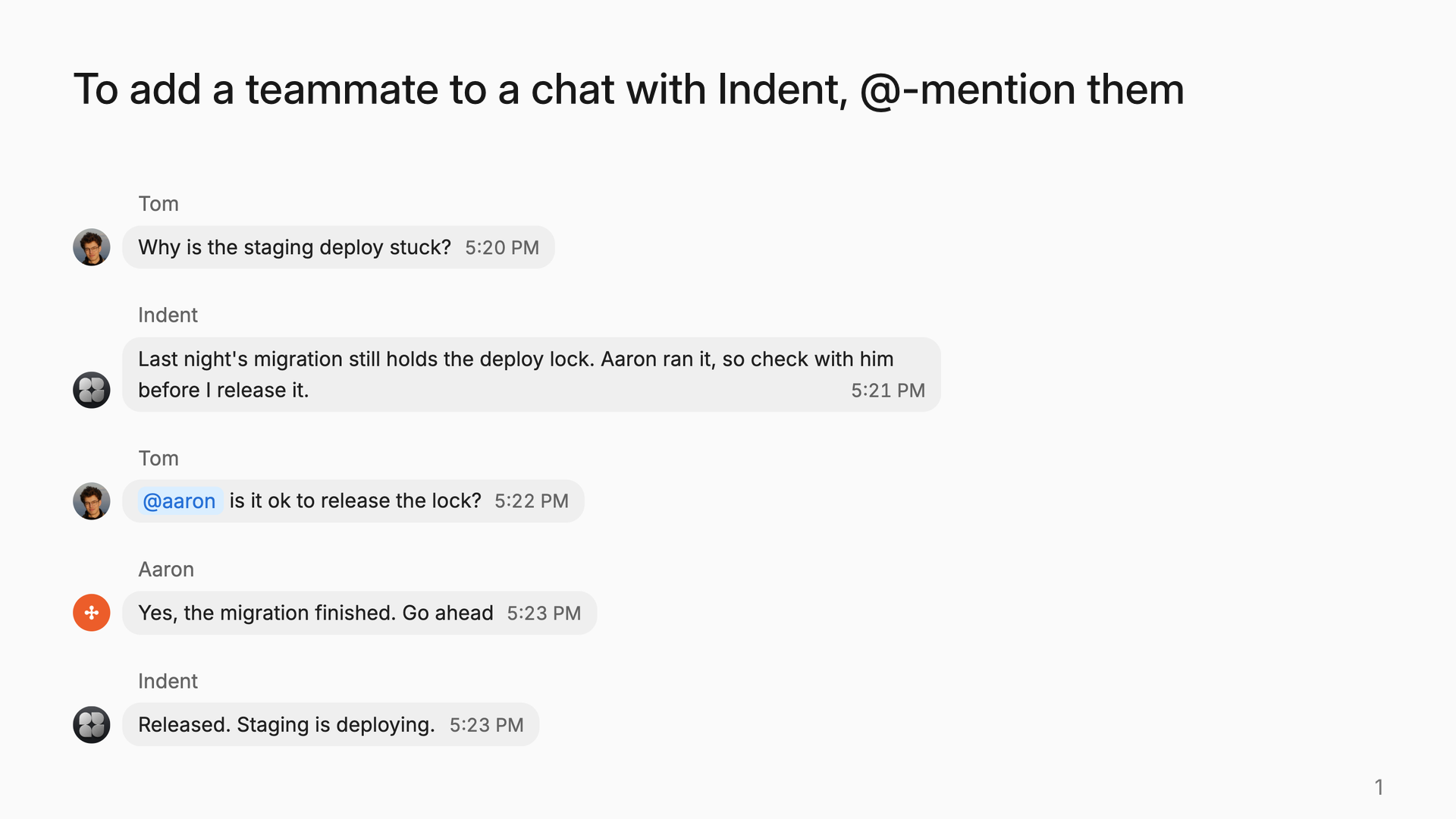
- To add a teammate to a chat with Indent, @-mention them. This works on web and desktop.
- Your teammate gets a Slack DM with a link to the chat. They can read the full history.
- New chats are shared with your team by default again.
- To make a chat private, click Share before you start.
Private automations
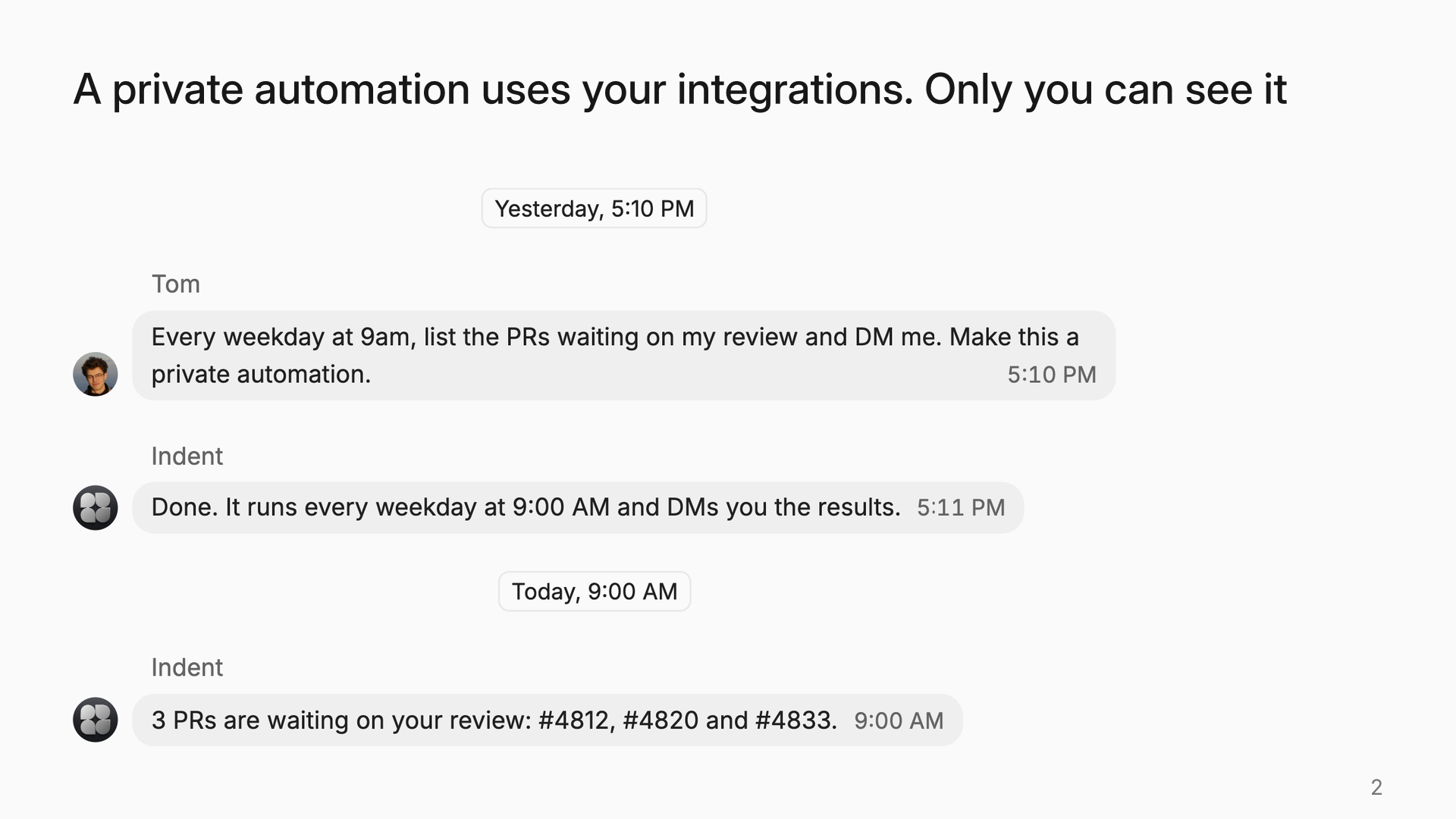
- To make a private automation, send Indent a DM. Tell it what to do and when, and ask for a private automation.
- The automation uses your personal integrations. It sends the results to your Slack DMs.
- Only you can see its configuration and runs.
- A schedule can now run on weekdays only.
Try: "Every weekday at 9am, list the PRs waiting on my review and DM me. Make this a private automation."
Cloud connections
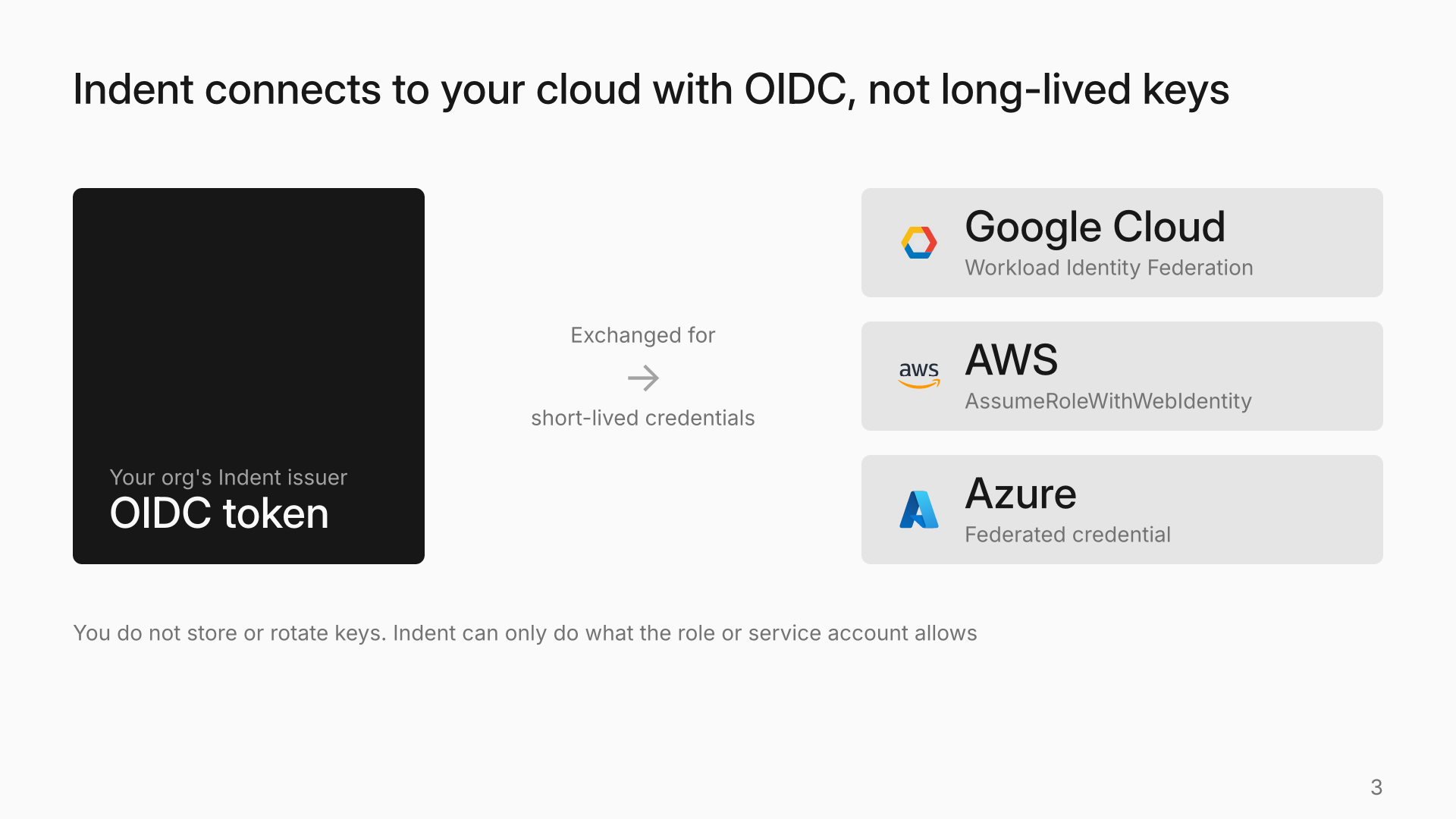
- Connect Google Cloud, AWS, Azure, HashiCorp Vault or an OIDC provider in Integrations.
- Indent authenticates with an OIDC token from your organization's issuer.
- Google Cloud uses Workload Identity Federation. AWS uses
AssumeRoleWithWebIdentity. Azure uses a federated credential. - The credentials are short-lived. You do not store or rotate keys.
- Indent can only do what the roles you grant allow.
- The connection page shows the setup commands. You can edit the connection later.
Model switching and reasoning effort
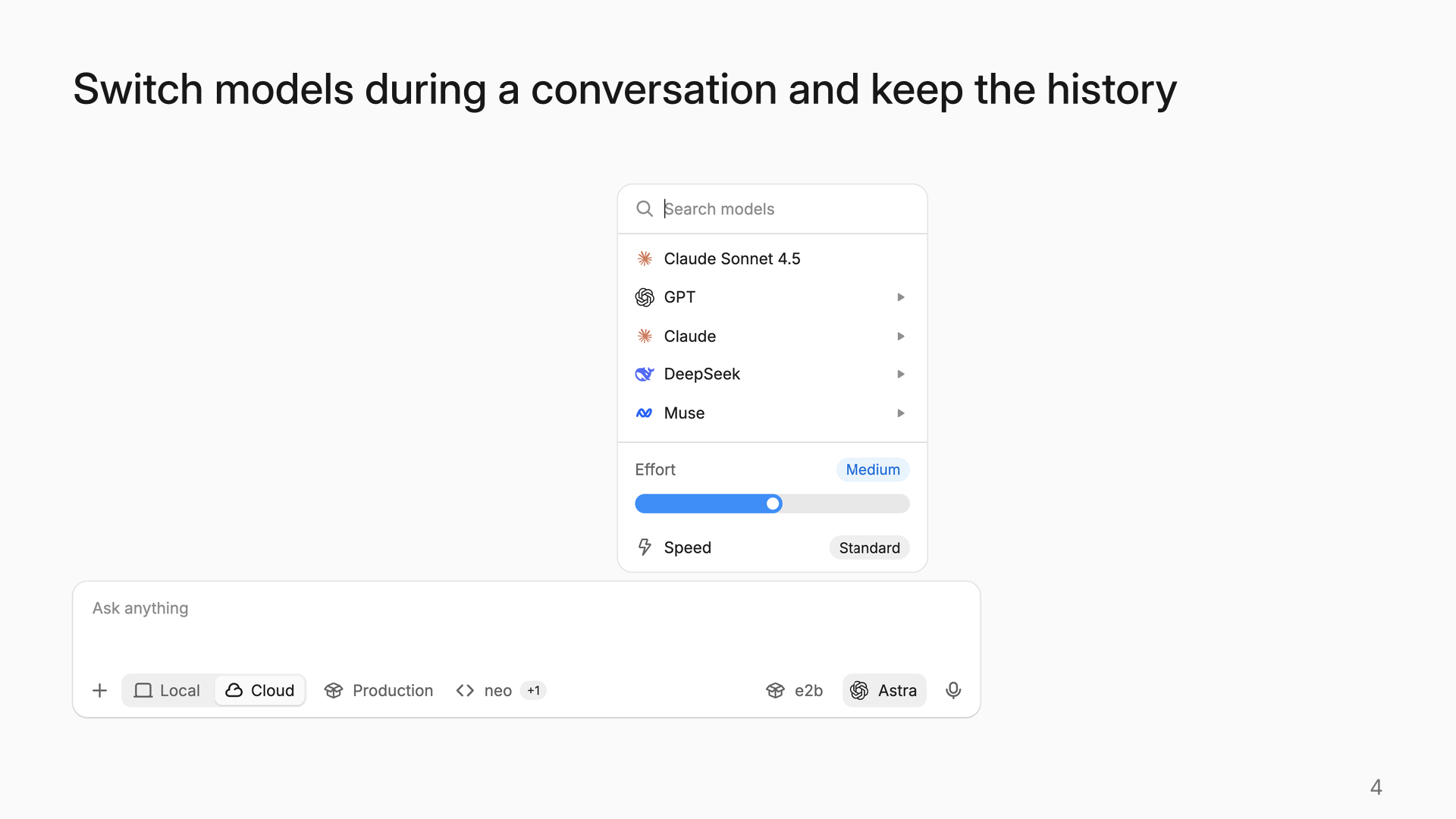
- Switch a chat to a different model and keep the history. You can also switch from Claude to GPT.
- You can select only the models that your organization allows.
- For models with more than one reasoning level, the model menu has an effort control.
- Indent selects the model and effort for each subagent from the task. To select them yourself, tell Indent: "Use Opus 5.5 at high effort for the subagents."
- GPT-6.1 Terra is now in the model picker.
Custom review checks
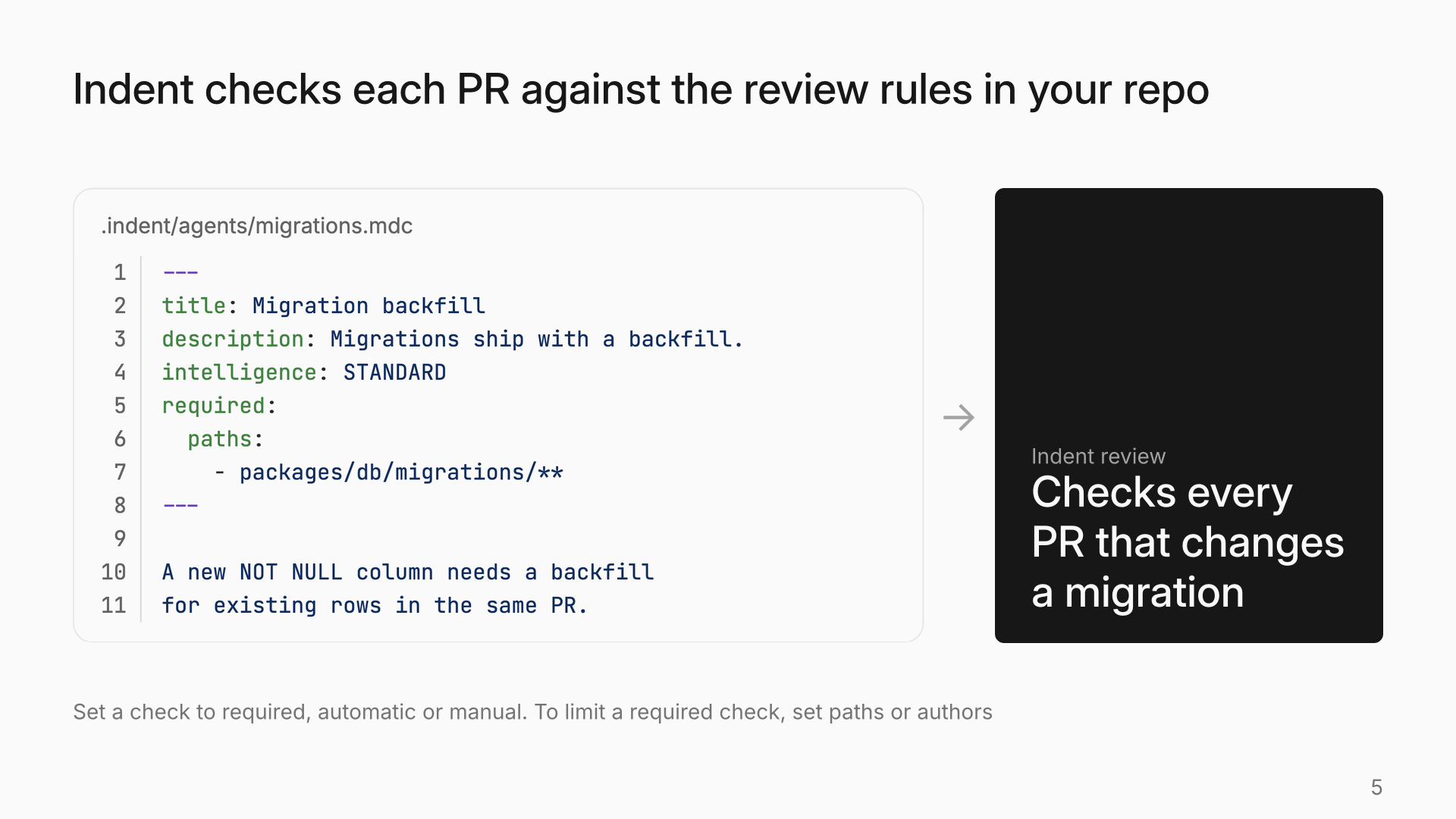
- Define a check in
.indent/agents/<name>.mdc. Put the configuration in YAML frontmatter and the instructions in Markdown. - Set each check to Required, Automatic or Manual. With Automatic, Indent decides when the check applies.
- To limit a required check, set
pathsorauthors, for examplepackages/db/**. - The checks are in your repo, so changes to them go through your usual PR review.
- When you reply to an inline review comment from Indent, the reply goes to the review. You do not need to mention
@indent.
New integrations
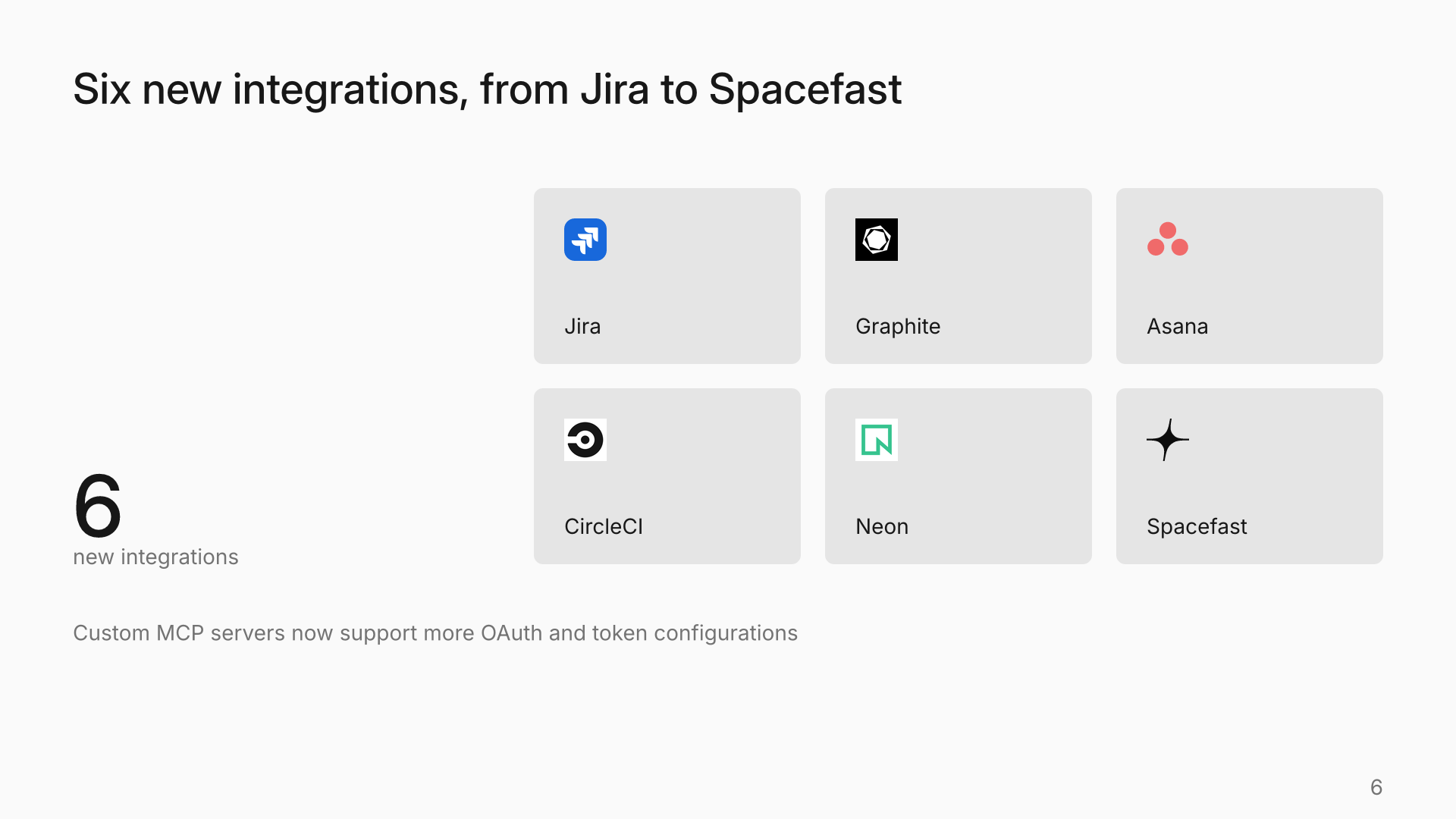
- Jira: assign an issue to Indent or @-mention it on the issue. Indent does the work and posts the results on the issue.
- Graphite: PRs that Indent opens go into your stacks.
- Asana, CircleCI, Neon and Spacefast are also available.
- Custom MCP servers now support OAuth client credentials, public OAuth clients and custom token prefixes.
Also new
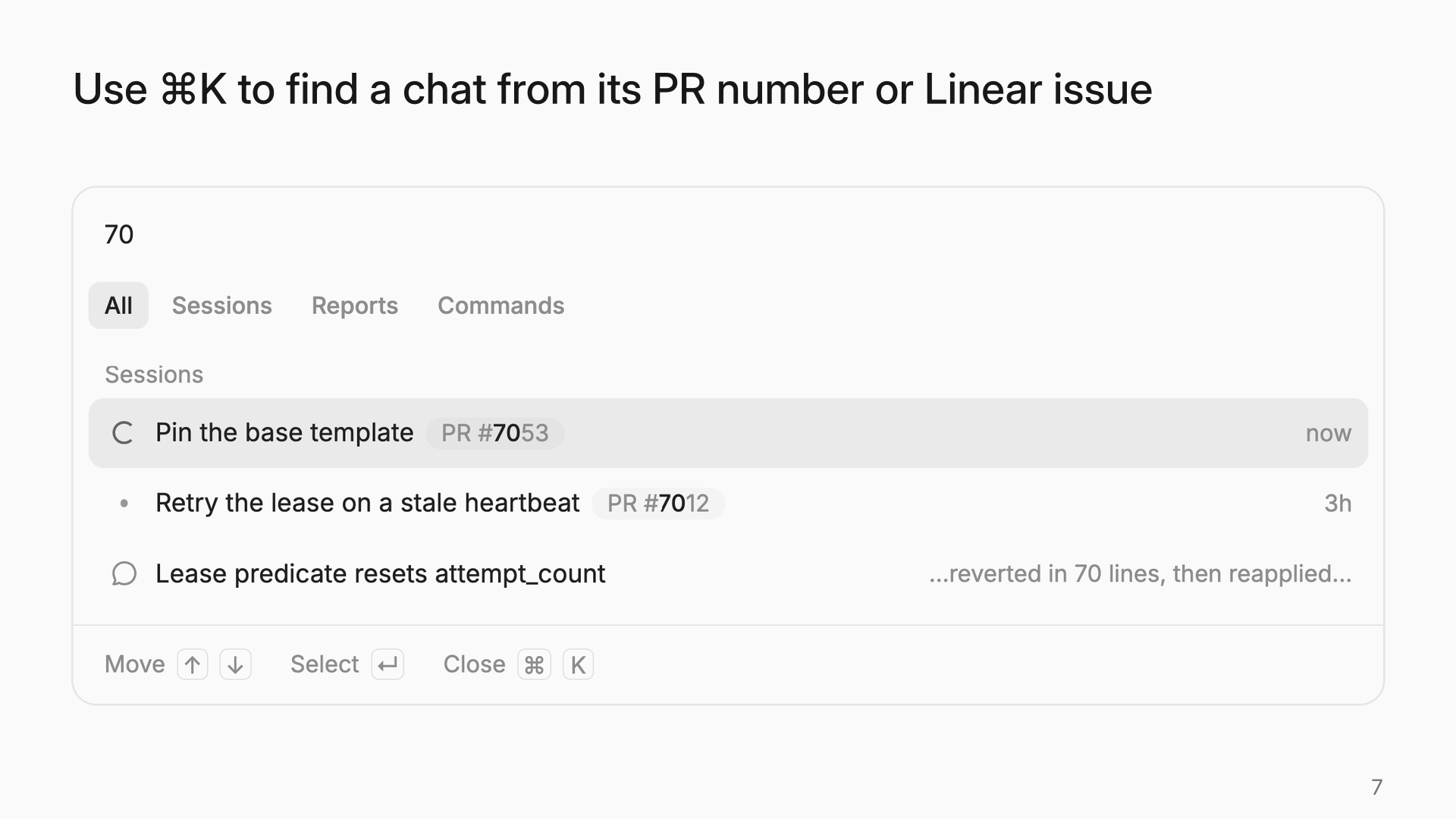
- In ⌘K, type a PR number or Linear issue to find its chat.
- ⌘F searches the full conversation, including older messages.
- In an empty composer, press ↑ to show your last message again.
- To stop unread markers for a chat, unsubscribe in the chat menu.
Start building today
Start on your Mac. From the first task, you're building the coworker your team will use.